
In this article
- Prepare the product, order and print reference
- Packing-station acceptance and exception matrix
- Worked example: one item, two orders
- Where ValidLabels fits
If your e-commerce or private-label team ships CLP-relevant products to several markets, test CLP label printing by destination before replacing manual label-file selection. Check that each print matches the scanned product, the order’s destination language and the current approved label version.
A product barcode identifies the item; it does not, by itself, tell the packing team where this order is going.
Prepare the product, order and print reference
Before the first test, have these ready:
- Product identity: SKU/EAN linked to the exact variant and pack size, not just the marketing name.
- Order context: order reference, destination market and the label language or language set your responsible reviewer has agreed for that market.
- Approved content: label reference, language version and approval status. Keep the reviewed reference available for comparison.
- Print setup: the packing station's usual scanner, Zebra printer, template and label stock.
- Exception owner: who resolves an unknown item, missing destination or unreviewed translation before packing resumes.
Confirm how your setup supplies destination context: operator selection, an order record or an integration you have actually tested. Do not assume that scanning a product imports order data.
For the regulatory background, use the country-language guide. The test here checks whether your packing process delivers the version your team has approved.
Packing-station acceptance and exception matrix
Copy these cases into a worksheet or print them for the trial. For each case, record the actual result, pass/fail, operator, date and print reference; agree who will pause printing and resolve any mismatch.
1. Same SKU, two destinations
- Product/variant: the same SKU and pack size on both orders.
- Destination language: each order's agreed language version, different where relevant.
- Approved version: the current approved reference for each language.
- Operator decision: print both; accept only if language selection changes without changing product identity.
2. Similar products or variants
- Product/variant: each barcode resolves to its own SKU and variant.
- Destination language: the version agreed for the test order.
- Approved version: the reference belonging to that exact item.
- Operator decision: compare both results; reject a match based only on a shared name or similar packaging.
3. Missing or ambiguous barcode
- Product/variant: unresolved; no nearby-product substitution.
- Destination language: retain the order context, but do not use it to guess the item.
- Approved version: cannot be selected reliably until identity is resolved.
- Operator decision: pause printing and ask the product-data owner to confirm the item.
4. Destination missing or changed
- Product/variant: known SKU, unchanged by the destination correction.
- Destination language: unresolved, or reselected against the corrected order.
- Approved version: check the reference for the confirmed market and language.
- Operator decision: resolve the order context, then repeat the selection and print check.
5. Language version not ready
- Product/variant: confirmed item.
- Destination language: needed for this order, but not prepared or reviewed.
- Approved version: unavailable for the intended language.
- Operator decision: refer for preparation and review; do not improvise a translation at the packing station.
6. Source label revised
- Product/variant: the item affected by the reviewed change.
- Destination language: the language version included in that review.
- Approved version: the current approved reference, not an older loose PDF.
- Operator decision: run a fresh test through the normal print route and compare it with the approved revision.
7. Print clipped, unreadable or on wrong stock
- Product/variant: correct item selected.
- Destination language: correct version selected.
- Approved version: content matches, but the physical output fails the check.
- Operator decision: stop this handoff; correct the template, printer or media issue and inspect another print.
8. Final dispatch check
- Product/variant: printed identity matches the packed item and order.
- Destination language: printed language matches the order's agreed version.
- Approved version: printed content matches the approved reference.
- Operator decision: accept the handoff only after all three match and the output is readable.
Keep unresolved cases open with an owner. If the source document itself has changed, use the supplier SDS update workflow to assess the impact before treating a new file as ready to print.
Worked example: one item, two orders
This is a fictional trial, not a customer result. Assume your reviewer has approved A1-250 / PL-v3 for a Poland order and A1-250 / DE-v4 for a Germany order.
Scan the same item for each order. The product stays A1-250; the selected language reference changes with the order context. Compare both physical prints with their approved references. If the Germany order instead produces PL-v3, record a failed destination-selection test—even though the barcode found the right product.
Where ValidLabels fits
ValidLabels connects SDS upload and AI-assisted H/P extraction with label preparation, translations in all 24 official EU languages, a product library and version history. Barcode-based, on-demand printing with Zebra printers gives your packing team a print route from that library rather than a folder of separately chosen PDFs.
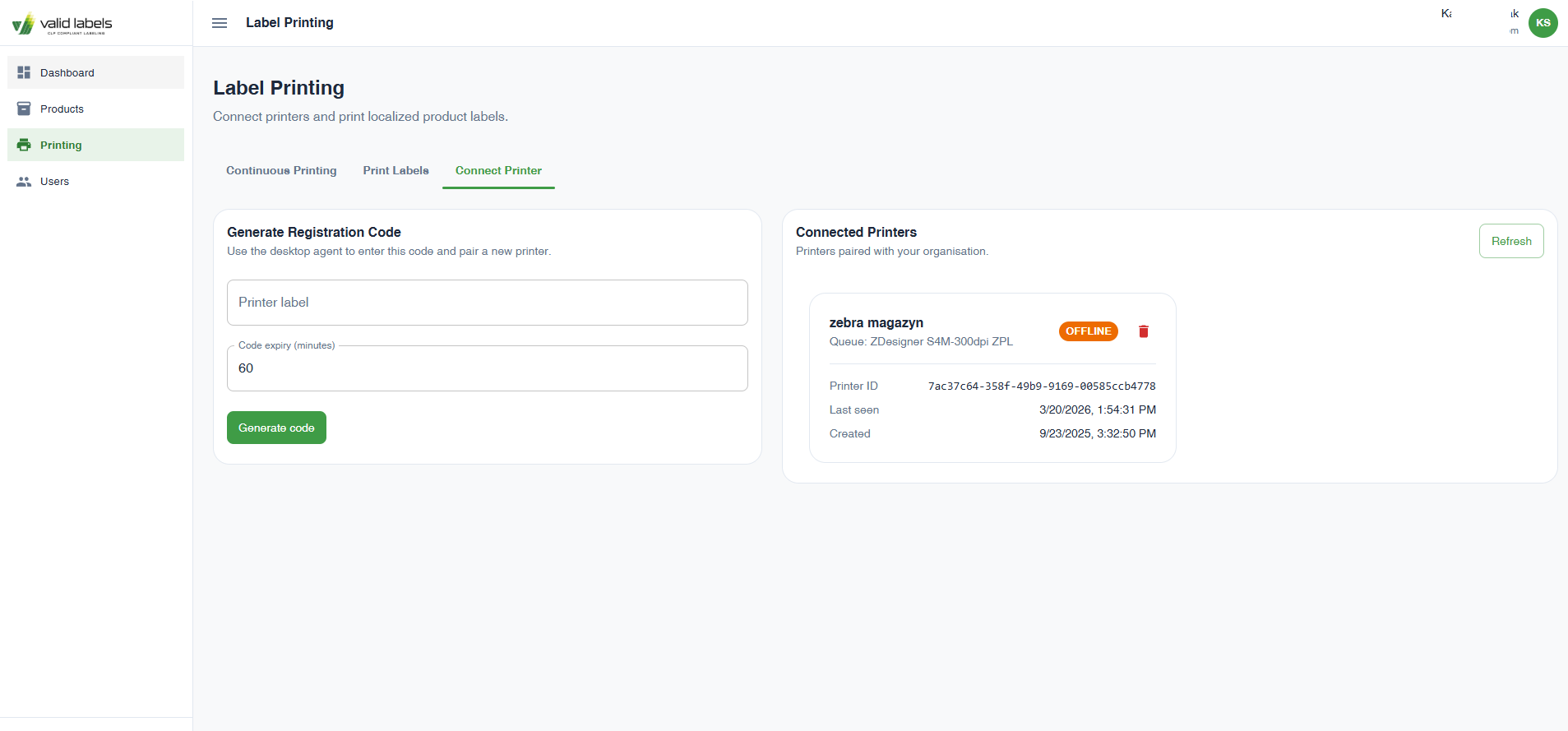 ValidLabels Label Printing screen showing printer registration and a connected Zebra printer marked offline.
Your team still reviews final label content and checks the printed result. Use the matrix to evaluate your own product-to-label mapping, destination selection and handling of missing versions; scanning alone is not dispatch approval.
See how ValidLabels connects label preparation with warehouse printing in the product walkthrough. Then use one supplier SDS and two orders for different destinations to plan your packing-station trial.
Kasper Stasiak
Founder, ValidLabels
Kasper Stasiak founded ValidLabels after working directly with European chemical exporters on CLP compliance workflows. ValidLabels is built by Awakast P.S.A., based in Wrocław, Poland.
Related articles
SDS and Labels
Supplier SDS update workflow for CLP labels and shops
Map a supplier SDS update to the affected SKUs, label languages, product pages and print jobs, with a practical checklist before dispatch.
E-commerce
WooCommerce CLP: manual fields or a connected widget?
Compare three ways to maintain CLP information on WooCommerce product pages, then test the right variant, language and version before rollout.