
SDS to CLP label
Your supplier’s SDS in. Your market’s label out.
Upload a safety data sheet from any supplier, in any EU language. ValidLabels reads its hazard and precautionary statements and writes your CLP label in the official wording of each language you sell in. You check what was read, then save.
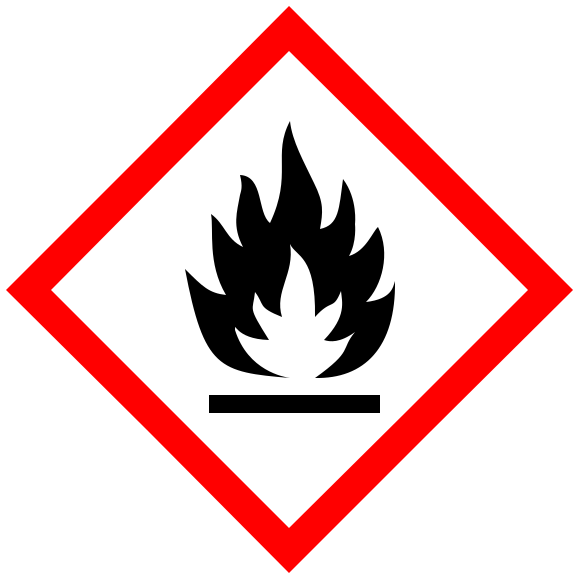
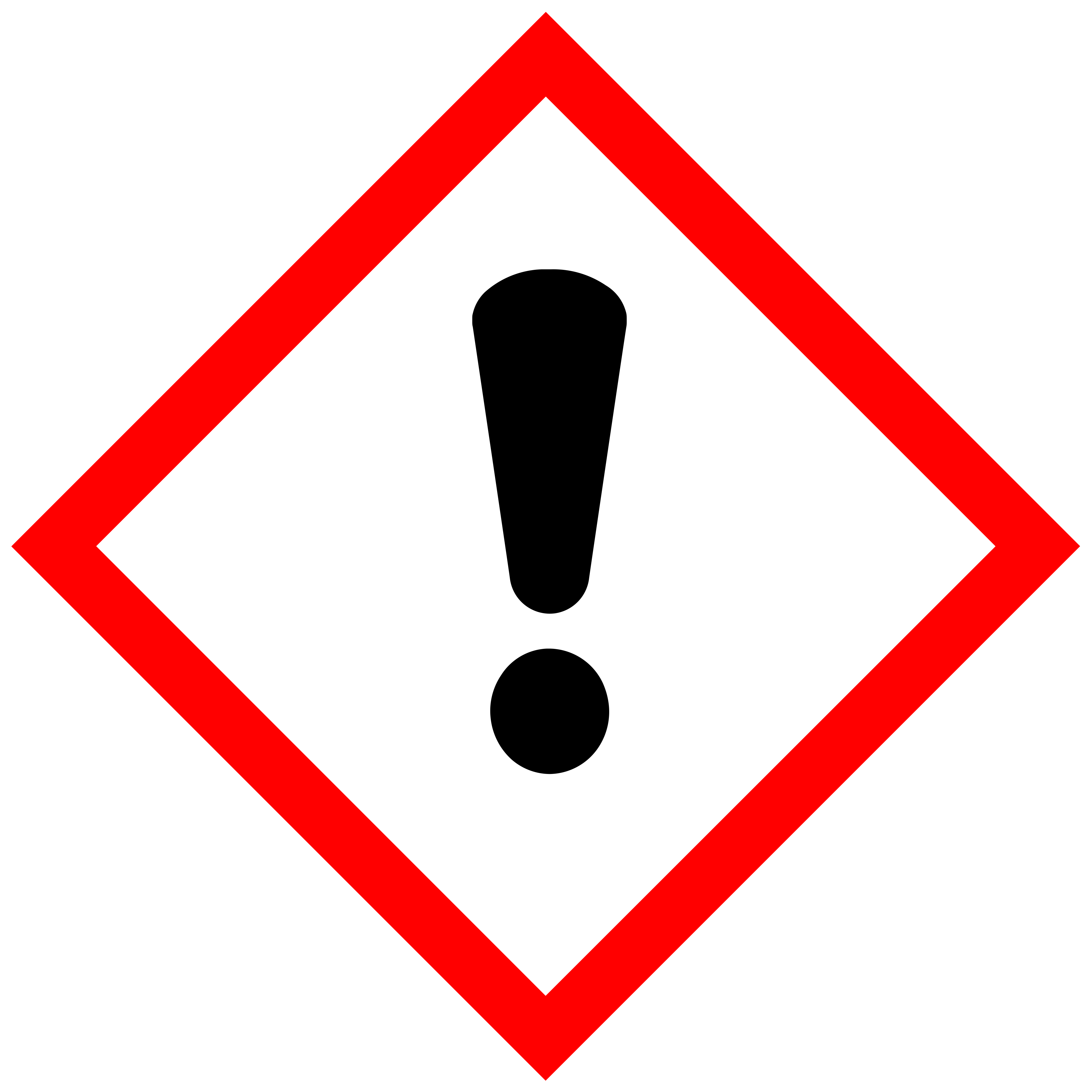
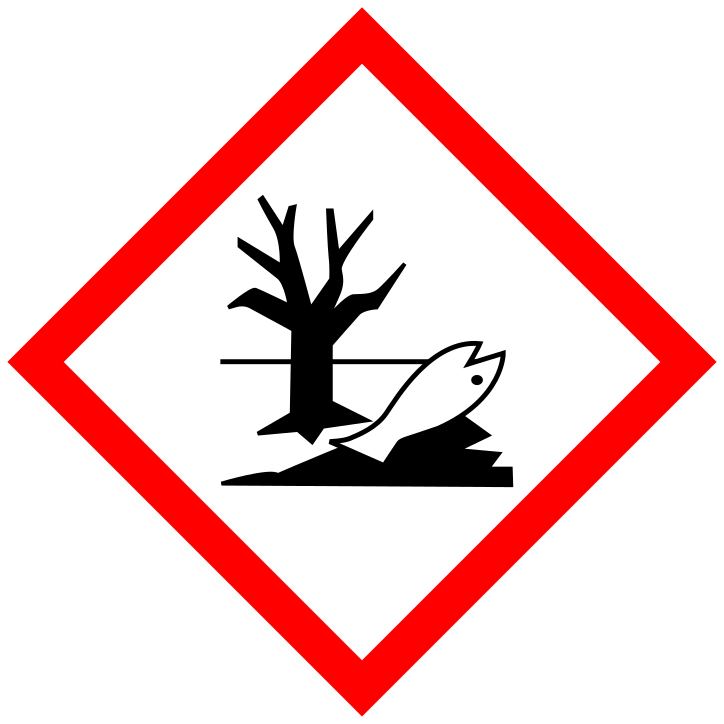
Any supplier. Any of the 24 EU languages.
Your suppliers write their SDSs in German, English, Italian or the language of wherever the product was made. ValidLabels reads them in any official EU language and writes the label in any other. Codes like H317 and P280 stay the same; the wording changes to the official text of each language.
All 24 official EU languages:
- BGBulgarian
- HRCroatian
- CSCzech
- DADanish
- NLDutch
- ENEnglish
- ETEstonian
- FIFinnish
- FRFrench
- DEGerman
- ELGreek
- HUHungarian
- GAIrish
- ITItalian
- LVLatvian
- LTLithuanian
- MTMaltese
- PLPolish
- PTPortuguese
- RORomanian
- SKSlovak
- SLSlovenian
- ESSpanish
- SVSwedish
It reads section 2. You check it.
- 01
Upload the SDS.
A PDF or document from any supplier. Pick its language, or let ValidLabels detect it.
- 02
The statements are read for you.
ValidLabels reads section 2, hazards identification, and lists the H and P statements, the signal word and the pictograms, each matched to the official list.
- 03
You compare and save.
Reading can miss a line or a pictogram, so you check the list against the SDS before you save the product. A statement that doesn’t match the official list is marked for you to resolve: pick the official phrase, or keep it as your own text.
The regulation’s own words, in every language.
Hazard and precautionary statements have official wording in each EU language, set in the annexes of the CLP Regulation (Regulation (EC) No 1272/2008). A translator or a general AI tool gives you a sentence that means the same thing. ValidLabels gives you the sentence in the regulation.
Every statement in ValidLabels shows where it came from: official phrase or custom text.
Statements with blanks follow the official template.
Some statements have a part that changes with the product: a substance name, a concentration, a route of exposure.
Variable statements
Variable parts, like a substance name, are filled into the official template by AI. Substance names stay as they are written in the SDS. Check them before you print.
Custom statements
A line that isn’t in the regulation, such as a supplier’s own text, is translated by AI and marked as custom text, so you know which lines to read twice.
Check it, change it, save it.
The SDS reading opens as a draft: nothing is saved until you check it and save. Each new language is translated and saved in one step; read it, change any line and save again. Each save becomes a version you can compare with the current one and restore.
When your supplier sends an updated SDS, upload it and compare. Once you save it, every language based on the old text is flagged for an update, so you can see which ones still need it.
One product today. The whole catalogue next.
Start with one SDS. Once the label looks right, select products in your library and add a language to all of them in one action. Hundreds of supplier SDSs? We can import your catalogue for you.
One translation is one complete CLP label of one product in one language. Plans include translations, and translation packs top them up.
Textilomanie
39 products, 8 languages, about 400 translations in one day.
Elix
550+ products, labels in 18 languages.
Built for companies that sell in more than one country.
Private-label and home-fragrance brands
New country next quarter? Your labels are ready this week, not next month.
Chemical distributors and importers
Every supplier SDS labelled in your market’s language, printed at goods-in.
Plans start free.
See pricingQuestions about SDSs and translations
Which SDSs work?
Safety data sheets from any supplier, in any EU language, as PDF or document. ValidLabels reads section 2 and lists the H and P statements; you check them before saving.
Where does the translation come from?
Standard statements use the official wording of the CLP Regulation in each language. In statements with a variable part, such as a substance name, AI fills the variable part into the official template; check those lines before you print. Your own wording is translated by AI and marked as custom text.
I don’t read the language of the SDS. Can I still check it?
Yes. The codes, such as H317 or P280, are the same in every language, so you can compare them with the SDS line by line and read the label in a language you know.
What if a statement is missing or wrong after reading?
Add or correct it before you save. Find the official statement by its code or wording, or type your own text, which is marked as custom.
Is the substance name in a statement like EUH208 translated?
No. Substance names stay as they are written in the SDS; the rest of the statement follows the official wording of each language. Check those lines before you print.
Can I get the label text for my print house?
Yes, as text. Copy the label text of any language from ValidLabels and send it to your print house or designer.
My supplier’s SDS is for the fragrance oil, not my candle. Which one do I use?
Upload the SDS for the product as you sell it. If you blend your own candle, its classification is yours (or your supplier’s) to make; ValidLabels doesn’t classify mixtures.
What counts as one translation?
One complete CLP label of one product in one language.
When a supplier updates its SDS, how do I know?
You upload the new SDS; ValidLabels doesn’t fetch updates from suppliers. Once you save it, every language based on the old text is flagged as outdated, so you can see which ones to update.
Does ValidLabels classify my mixture?
No. Classification comes from your supplier’s SDS. ValidLabels turns it into labels in every language you need and keeps them up to date.
Bring the SDS you’d rather not translate.
Upload it on the free plan and see the label in the languages you need. No card, no time limit.